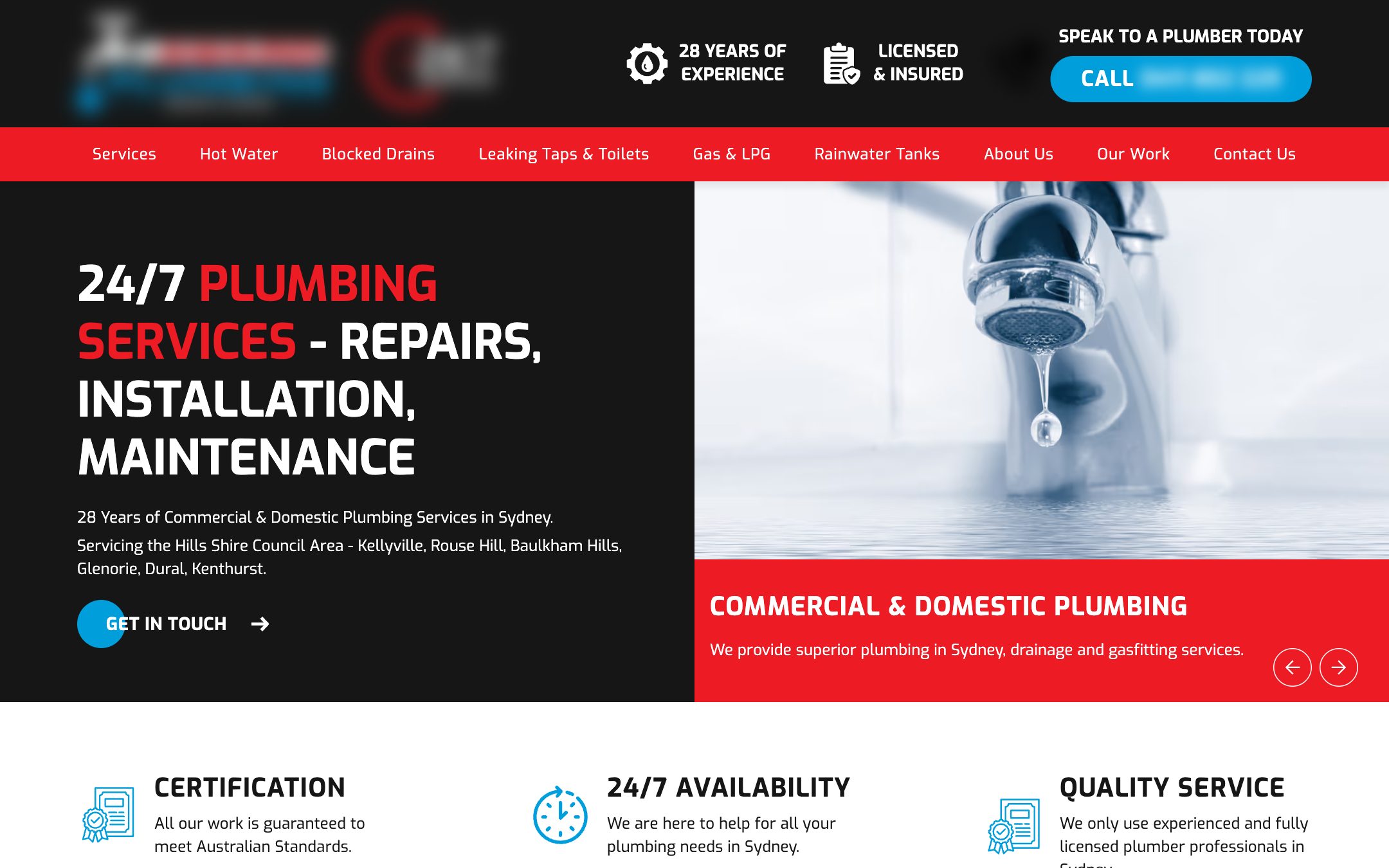
Plumbing company website and local search
Website & Local SEOHome Services
A website for a Sydney plumbing company where the phone number, the services and the suburbs covered are never more than a tap away.
Keep enquiries organized and help your team follow through.
For businesses where enquiries live in several inboxes and follow-up depends on memory. We map how work flows today and set up systems that keep it moving.
CRM setup, workflow automation, scheduling and reporting with human oversight.
Every enquiry has a place, a stage and an owner.
Reminders and templates help your team respond before opportunities go cold.
Routine updates and reports happen automatically.
When opportunities slip through the gaps.
Scope is always agreed in writing before work starts, so you know exactly what you are getting.
How enquiries, bookings and tasks move today, and where they stall.
Pipeline stages, fields and permissions in a tool that fits your team.
Lead routing, acknowledgements, reminders and scheduling connections.
Customer communication templates and reports that build themselves.
Included only where suitable, reviewed, and with a person accountable for the outcome.
Proposals identify subscriptions, integration limits, data migration scope and a rollback path before any change goes live.
Current workflow, owners and pain points.
Stages, rules, exceptions and fallbacks.
Build in the chosen tools.
Duplicates, missing data, failed delivery and unavailable services.
Your team learns the system and owns it.
Client projects are shown with names withheld. Any concept preview is labelled and does not represent a client.
All work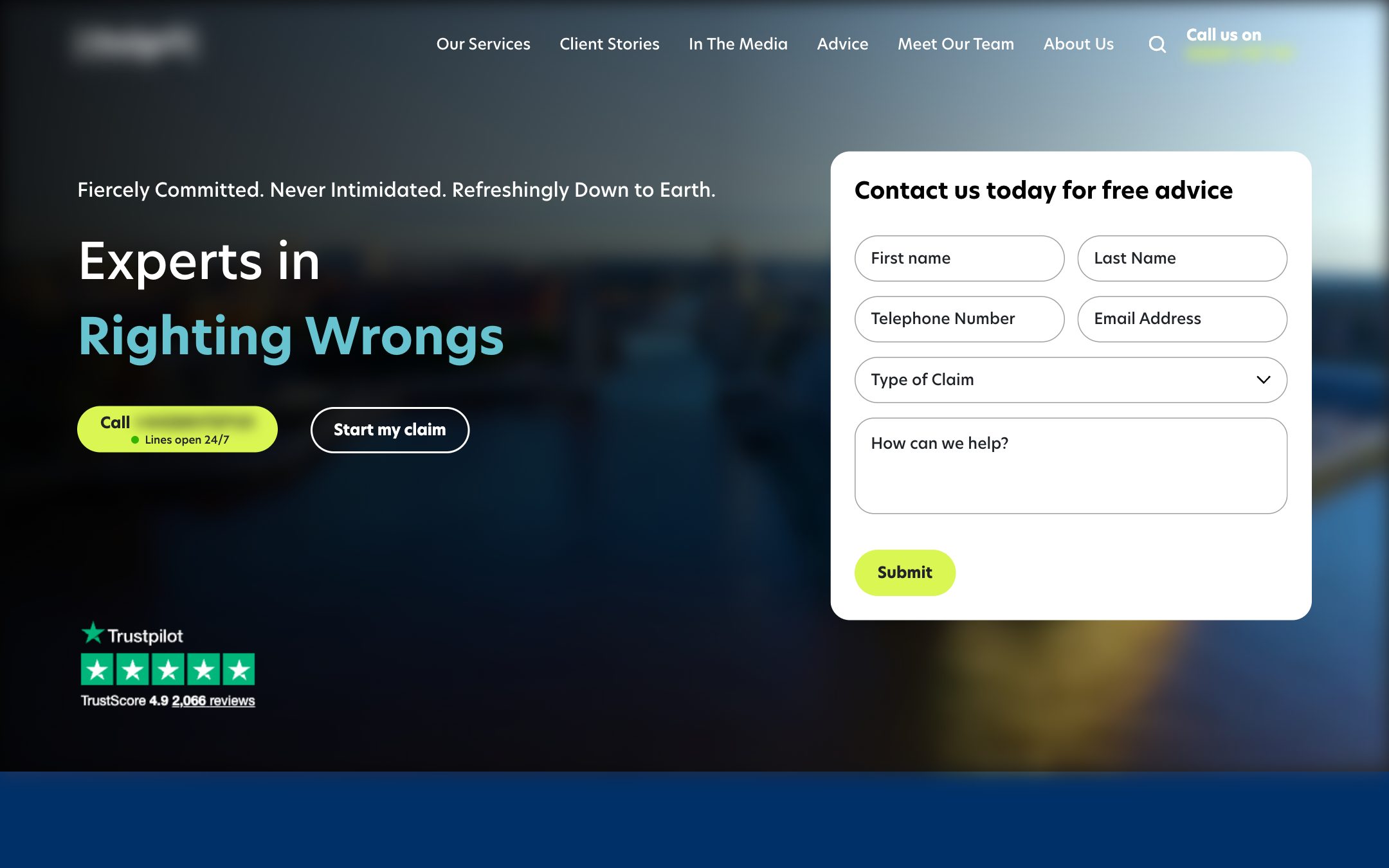
Agreed admin, CRM updates, scheduling and coordination with clear boundaries.
Landing pages, lead capture and CRM handoff built around qualified enquiries.
Something else on your mind? Ask us directly.
Often, yes. We start with what you already use and only recommend a change when it cannot support the workflow you need.
Your business. Subscriptions and data should sit in accounts you control, with access granted to us as needed.
Anything uncertain, sensitive or consequential. Automation handles the routine; people make the judgment calls.
Workflows include alerts so failures are noticed. Ongoing support can be part of the scope, with clear response expectations.
Let’s simplify how your business runs.
Share a little about your business and what you want to change. We will reply personally with honest next steps, even if we are not the right fit.